
Treat hardware as part of the store’s process
Retail loss can involve inventory errors, supplier issues, damage, and theft. A stronger lock does not resolve every cause. Review the store’s inventory, receiving, staff, and incident procedures alongside physical access.
Map the public entrance, stockroom, delivery door, office, and any display or cash-handling enclosure. Identify which people need access to each and when. Avoid assuming every Washington DC storefront has the same aluminum-door hardware or risk profile.
Check the entrance as a complete opening
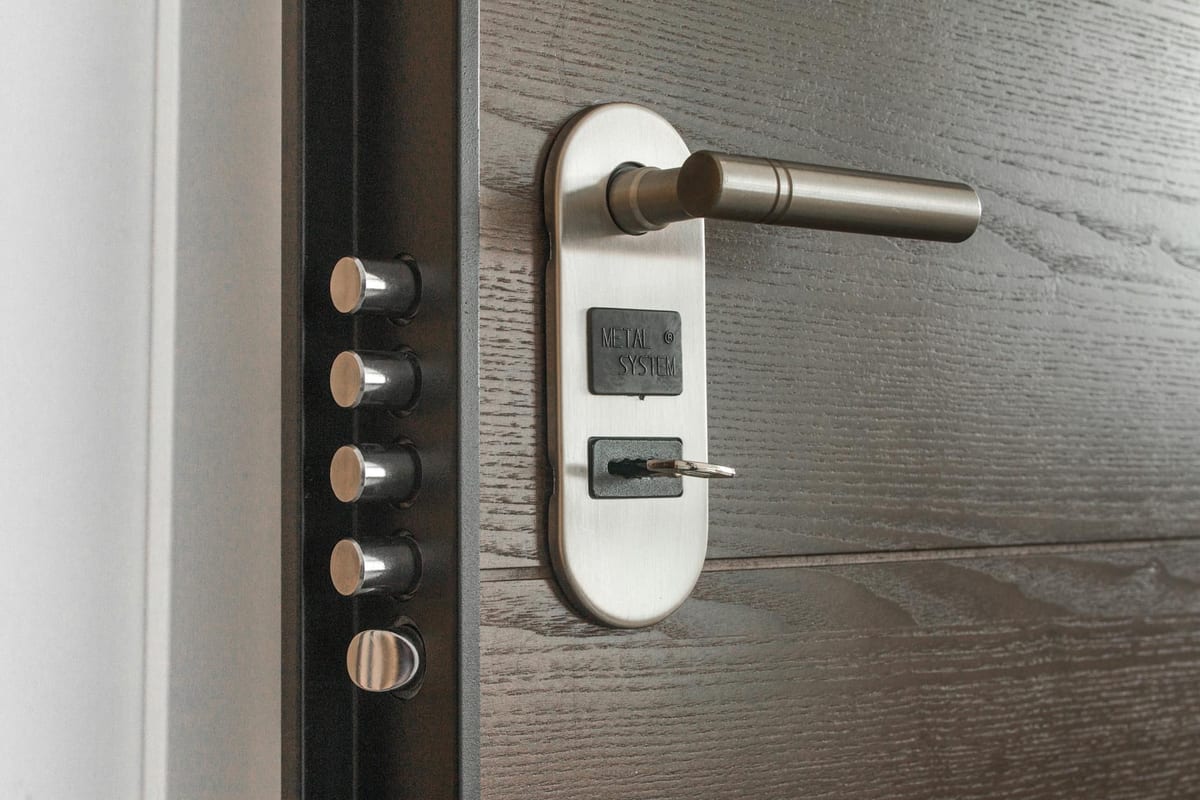
Record the door and frame condition, hinges, lock, closer, and intended entry and exit functions. A sticking latch, loose strike, or damaged frame may require repair before a security upgrade will be useful.
Confirm the exact replacement hardware and compatibility. A product advertised as higher security does not make the opening impenetrable, and a brand name is not evidence that every cylinder provides the same protection.
Keep required exit operation in the review. Do not add a chain, padlock, or improvised barrier while the store is occupied to compensate for a faulty entrance. The panic-hardware planning guide explains why the requirements depend on the actual opening.
Control stockroom and staff access
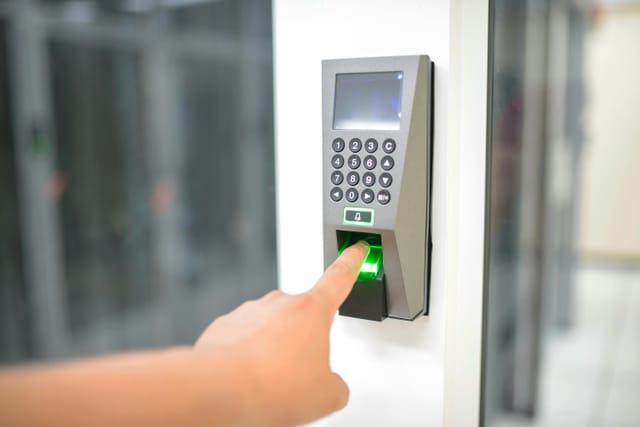
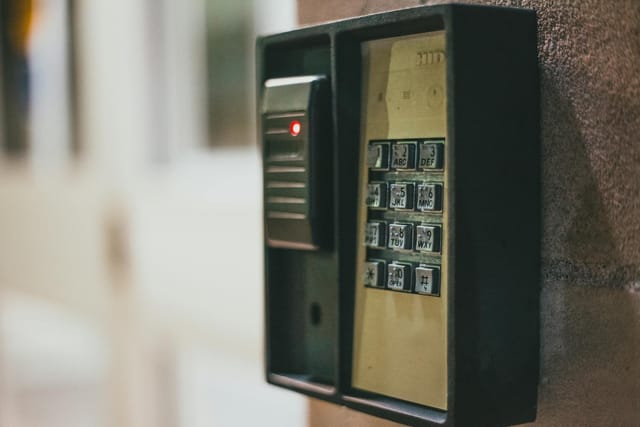
Decide who can issue keys or electronic credentials and how access ends. Record issued keys and review unreturned items. Electronic permissions must be changed through the system administrator and verified at the affected door or controller.
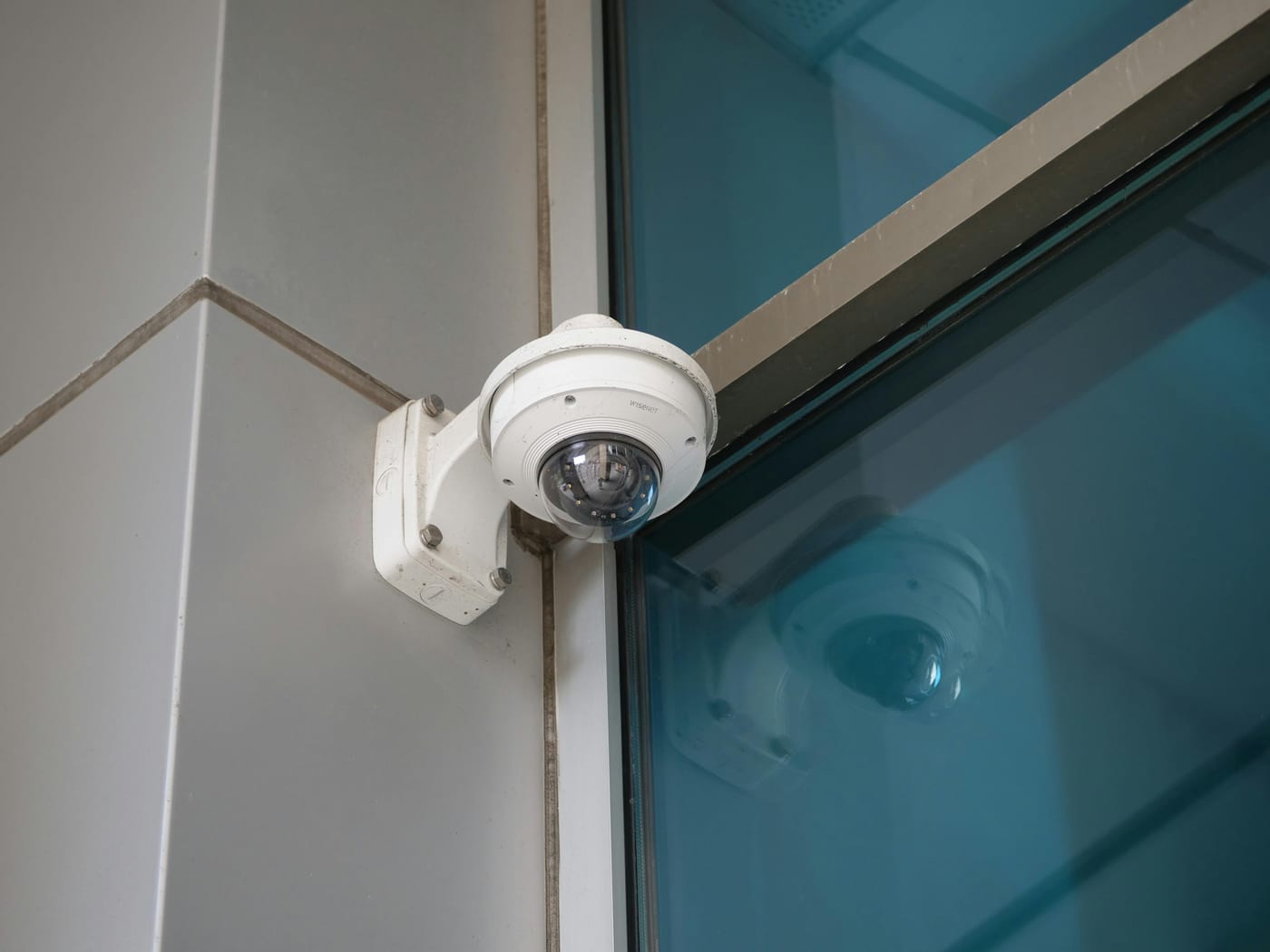
Logs can show recorded credential events, but they do not establish exactly who entered or whether someone followed an authorized person. Combine the access process with appropriate staff procedures and incident review. Avoid treating a log entry as a conclusion about misconduct without further assessment.
Select display and storage locks for their use
Identify the enclosure, materials, mounting, operating direction, and access frequency before choosing a lock. A showcase cam lock and a building-door lock serve different purposes. Confirm whether repair, replacement, or a change in how stock is handled addresses the problem.
No display lock guarantees that inventory cannot be removed. Review how keys are kept, who opens cases, and how damage or an open enclosure is reported.
Prepare a practical work request
List the doors or cases, observed faults, desired access rules, and work-hour constraints. Agree on the scope, charges, and how normal operations and required exits will be maintained during work.
Call (202) 830-0706 to discuss retail security hardware planning. For a broader system purchase, the access-control buying guide covers administration, compatibility, and ongoing support.