DC Business Security
Hotel & Hospitality Security in Washington DC
Coordinate guest-room access with hotel operations
- Describe the entrance, existing hardware, and access needs.
- Confirm who controls keys and authorizes access changes.
- Agree on specifications, scope, and the required service records.
Credentials
Prepare for Commercial Locksmith Work
Describe the Door, Lock, or Vehicle
Confirm the Scope and Full Quote
Prepare Property or Vehicle Authorization
Document Who Needs Access
05 / 05
Contact DC Local Locksmith
Call or text with the location and a description of the work. Ask about availability and the full quote.
What We Offer
Guest Credential Handling
Review check-in, replacement cards, checkout, and the actual revocation procedure.
Staff Access Groups
Define housekeeping, maintenance, management, and contractor permissions.
Hardware Compatibility
Confirm room-lock preparation, software, encoders, credentials, and required listings.
Operational Continuity
Plan occupied-room access, battery maintenance, overrides, and phased replacement.
Identify the Installed Hospitality System
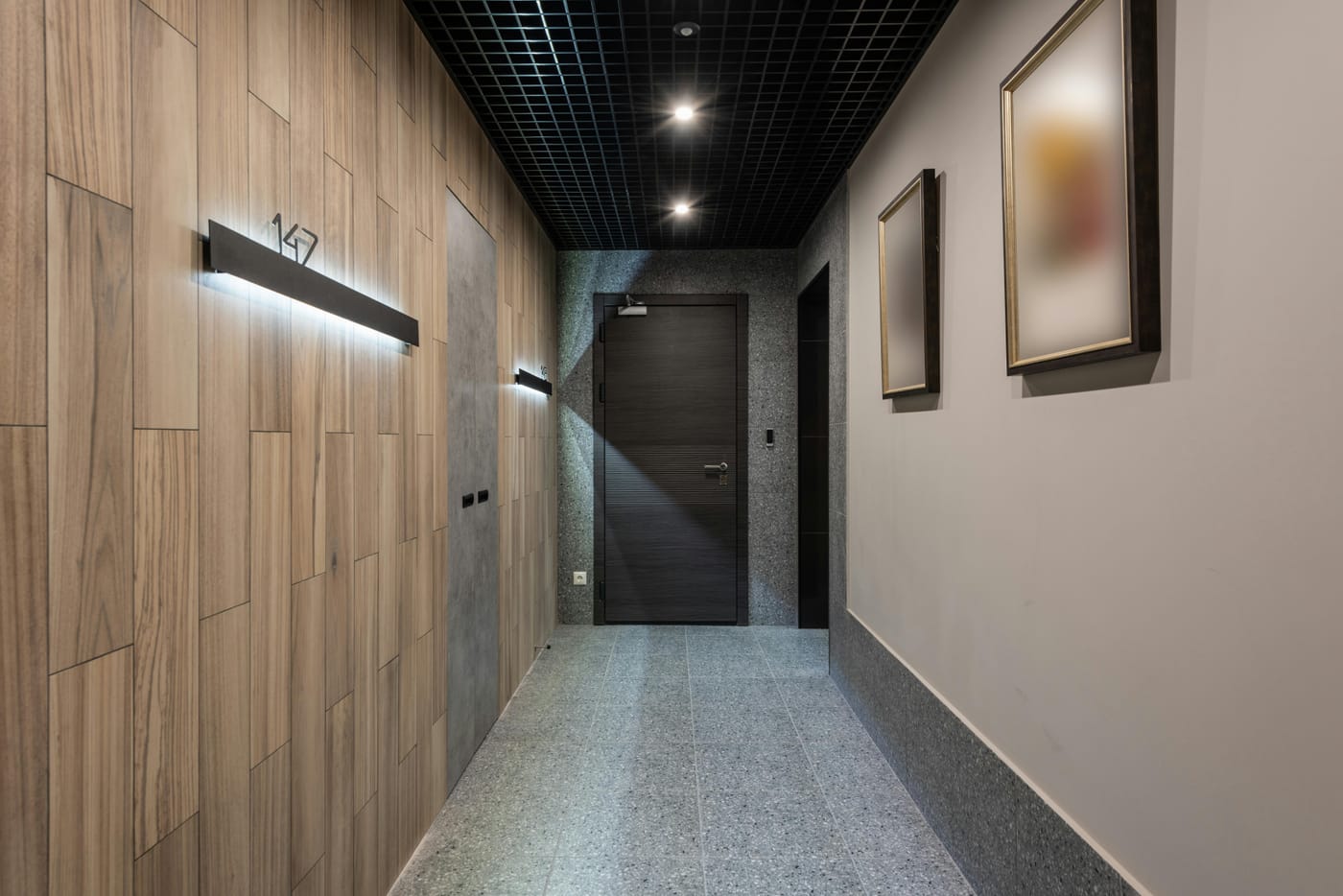
Record the lock, encoder, software, and credential models before replacing a room lock. Similar-looking products may use different card formats or programming tools. A boutique property in Georgetown and a larger Downtown DC hotel can have very different migration needs.
Test Lost-Card and Checkout Procedures
Offline and connected locks do not necessarily receive changes at the same time. Confirm what makes a replacement credential take effect and how the old credential is rejected. Do not promise immediate revocation based only on a card being encoded at reception.
Separate Guest and Staff Access
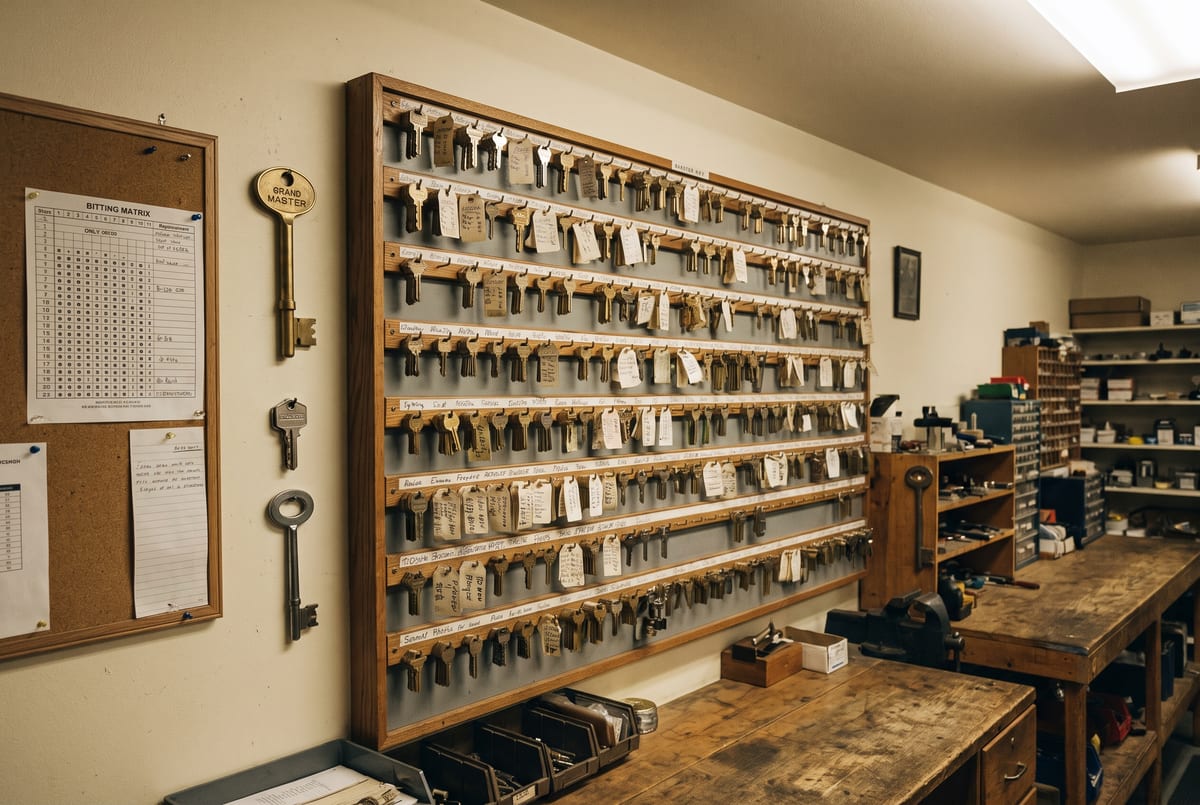
Document housekeeping, maintenance, and management permissions. Protect override tools and mechanical emergency keys, and decide who may use them. Guest-room privacy functions and emergency access need to follow the selected system’s instructions and the hotel’s approved procedures.
Plan Repairs Around Occupancy
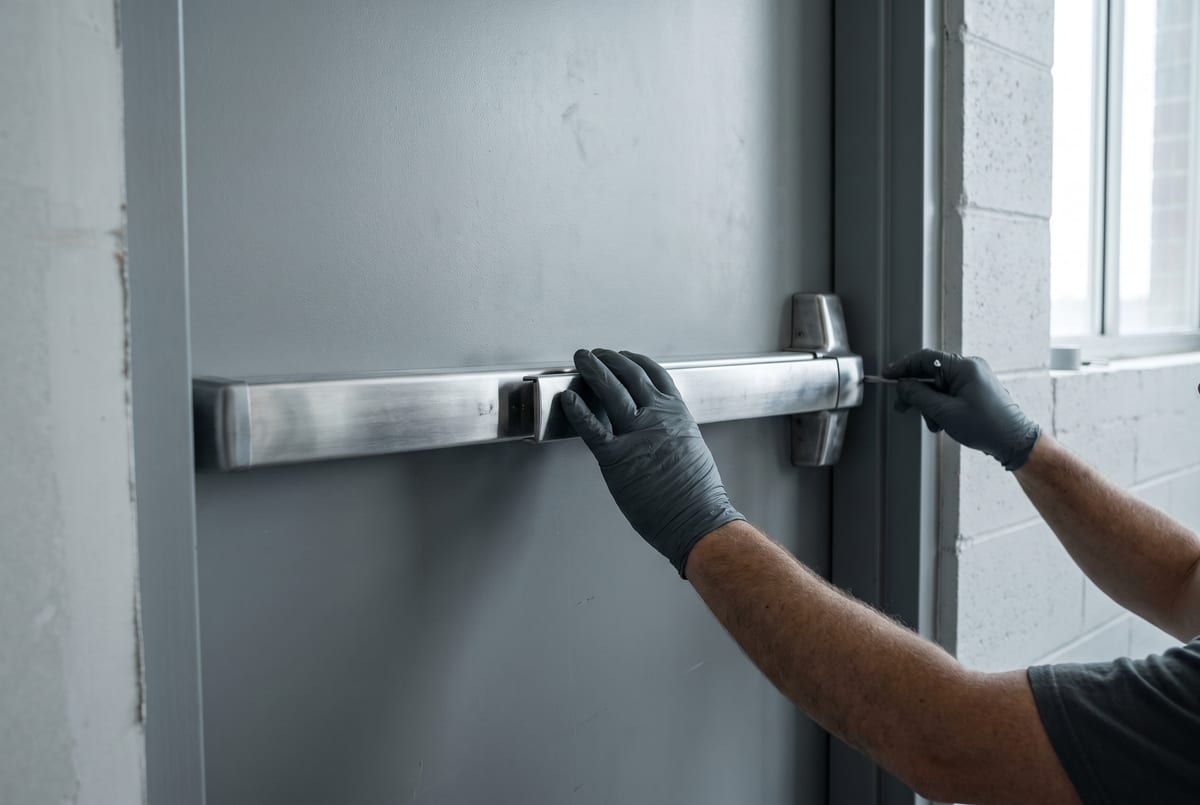
Check door preparation, rated-assembly requirements, battery access, and the work needed to integrate a replacement. Keep the software provider, building team, and hotel manager involved. For related work, see master key systems and fire exit hardware.
Call (202) 830-0706 with the system details and affected doors. Confirm availability, supplier coordination, phases of work, and charges before scheduling.
Security Comparison
Mechanical Key Control and Electronic Access
| Planning Question | Mechanical Keys | Electronic Credentials |
|---|---|---|
| Issuing access | Track authorized keys and who holds them | Assign permissions in the supported system |
| Removing access | May require rekeying when an unreturned key still works | Deactivate credentials through the system administrator |
| Records | Depends on the key register and issue process | Depends on configured logs and retention settings |
| Compatibility | Confirm cylinders, keyways, and key-system authority | Confirm readers, controllers, software, and door hardware |
A restricted key program is only effective with a documented authorization process. Electronic access does not by itself establish regulatory compliance.
Lock and Hardware Brands
















Questions About Commercial Security?
We Answer the Phone.
Site assessments available business hours and after hours. Quoted before dispatch.
(202) 830-0706
Panic Hardware, Access Control, and Master Keys for DC Businesses
Discuss panic hardware, master-key systems, and card-access readers with the opening and access needs in mind. Confirm the assessment, proposed work, required approvals, pricing, and any applicable written warranty before authorizing service.
(202) 830-0706
Confirm the affected doors, access needs, and work window before a commercial service visit.
Common Questions
Hotel & Hospitality Security in Washington DC FAQs
Does making a new card immediately invalidate a lost hotel card?
Not in every system. Offline locks may need a newly issued credential presented or another update before the old card is rejected. Follow and test the specific platform’s replacement-card procedure.
Are all RFID hotel cards encrypted?
No. Credential technology and configured security vary. Check the exact card, lock, and software rather than relying on the RFID label.
Does an access log prove who entered a guest room?
A log records the configured credential or lock events. It does not prove who held the card or whether another person entered with them.
Can any hotel software work with new room locks?
No. Confirm supported lock, encoder, mobile credential, and property-management interfaces, plus any subscriptions and supplier involvement.
What should a commercial locksmith request include?
Identify the affected entrances, existing hardware, operational problem, and authorized site contact. Include work-hour restrictions and any building-approved specifications.
Can the existing key system be retained?
That depends on the cylinder format, keyway, system records, and who controls the key program. Provide the existing hardware details before ordering replacement cylinders or keys.
What should be checked for an exit door?
The complete opening matters, including the door, frame, latch, closer, exit hardware, and any electrical controls. Confirm the applicable egress, accessibility, and fire-rating requirements for that opening with the responsible building team.
How should access-control work be scoped?
Document the present system, exact hardware, software administrator, electrical interfaces, and required entry and exit behavior. Confirm product compatibility and responsibility for each part of the work.
Can a business schedule work outside its opening hours?
Explain the required work window and ask what is currently available. Confirm any after-hours charges, authorized access arrangements, and how the entrance will remain usable during the work.
What should a written quote describe?
Ask for the hardware, labor, service charges, assessment requirements, exclusions, and approval process for changes. A photo may help prepare the discussion; complex work can require a site assessment.
Plan Around Your Building’s Access Needs
List the affected doors, business hours, and who needs access. Check with the property manager before changing a shared key system or hardware on an exit door.
Commercial access planningQuote Process
Describe the Job. Request a Quote.
Tell us what needs attention and where the job is. Photos of visible hardware can help explain the problem. Ask what the proposed price includes and whether an on-site assessment is needed before the scope can be confirmed.
Text a Photo
(202) 830-0706
Include the location, a short description, and a clear photo of the visible hardware.
Call About the Job
(202) 830-0706
Explain the problem and check current availability, proposed charges, and whether a site assessment is needed.
Contact Form
Send a Message
Describe the problem and your preferred timing. Confirm availability and pricing before arranging work.
Related Categories
Commercial Master Key Systems
Commercial master key planning in DC. Review compatible locks, door groups, key issuance, expansion ...
Grand Master Key Systems
Grand master key planning in Washington DC. Define door groups, authorized key levels, expansion cap...
Commercial Access Control in Washington DC
Discuss access-control work in DC. Review doors, credentials, controller compatibility, operating re...
Commercial Card Readers
Compare card reader access for DC facilities. Review credential technology, controller compatibility...
Property Management Security
Locksmith services for DC property managers. Plan unit rekeying, common-area access, master keys, an...
Federal Building Security and Key Control
Key and access-control planning for institution-specific requirements.
Emergency Office Lockout Service in DC
Describe an office access problem and confirm authorization and current availability.
Commercial Door Installation and Repair
Door installation and repair planning for DC storefronts and offices.
Ready to Secure Your Facility?
Schedule a Site Assessment
Describe the business property and confirm the written scope and quote before booking.