

DC Business Security
Coworking Space Security Systems in Washington DC
Match shared-space access to membership and building operations
- Describe the entrance, existing hardware, and access needs.
- Confirm who controls keys and authorizes access changes.
- Agree on specifications, scope, and the required service records.
Credentials
Prepare for Commercial Locksmith Work
Describe the Door, Lock, or Vehicle
Confirm the Scope and Full Quote
Prepare Property or Vehicle Authorization
Document Who Needs Access
05 / 05
Contact DC Local Locksmith
Call or text with the location and a description of the work. Ask about availability and the full quote.
What We Offer
Membership Access Groups
Define which doors and hours apply to day passes, regular members, private offices, and staff.
Guest Procedures
Plan visitor admission and after-hours support without sharing administrator credentials.
Integration Review
Verify the exact membership or booking software connection, licensing, and failure handling.
Shared and Private Areas
Separate entrance, meeting room, mail, and equipment access according to the space’s needs.
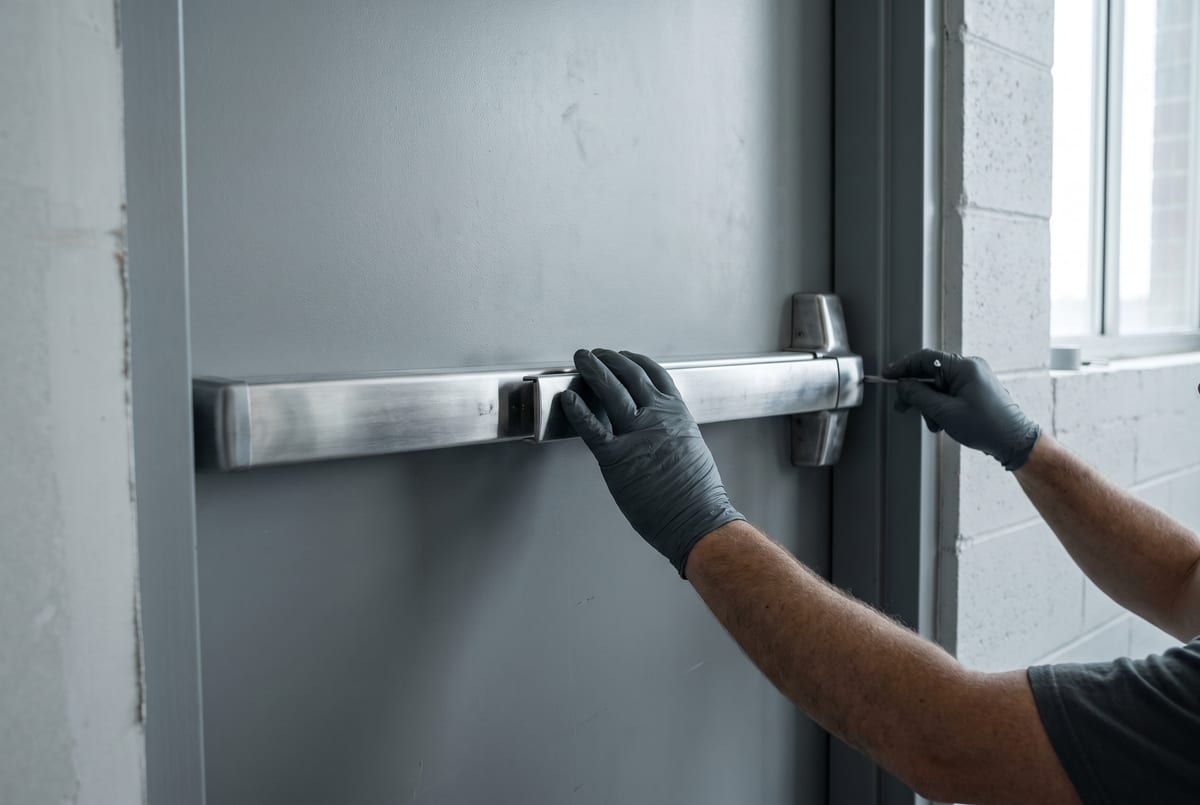
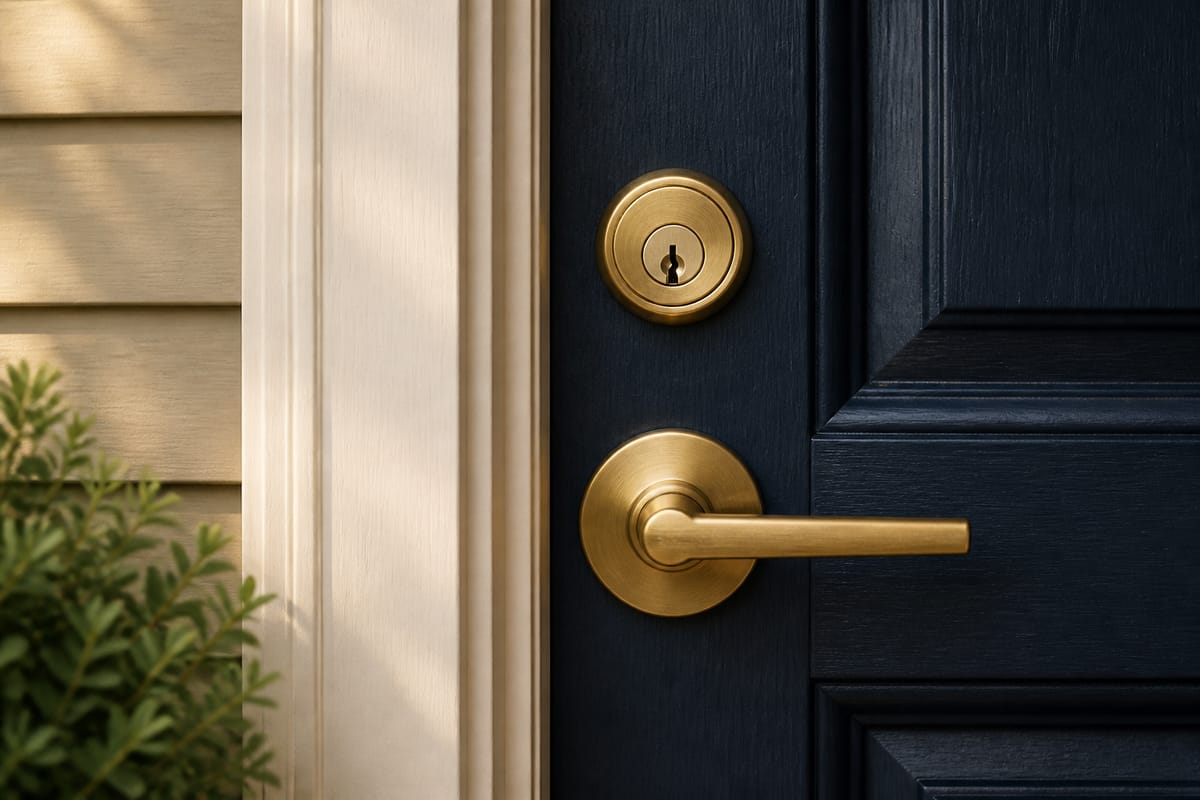
Define Access Around the Membership Plan
List the main entrance, private suites, meeting rooms, storage, and equipment rooms. Decide which users need each opening and when. A day pass may need a different schedule from a private-office agreement, while cleaning and maintenance staff need their own controlled access.
For a Capitol Hill workspace or a larger Downtown DC location, identify who handles late arrivals, guest admission, lost credentials, and cancellations. A convenient app does not replace an accountable administrator.
Verify Software Connections
Membership and room-booking integrations are product-specific. An advertised API is not proof that the chosen systems work together. Confirm supported versions, subscriptions, permissions, synchronization delays, and what happens when an update fails.
Compare mobile credentials and card readers against the actual member population. Provide an appropriate alternative for users who cannot use the selected phone method.
Protect Shared Resources
Private suites, IT rooms, and mail storage may need different controls from the front door. Select hardware that fits each opening and its required exit function. Event logs record configured system events, not necessarily the identity of every person who entered.
Call (202) 830-0706 to discuss the floor plan, current platform, and proposed changes. Confirm door work, software responsibilities, required approvals, and the quote before scheduling.
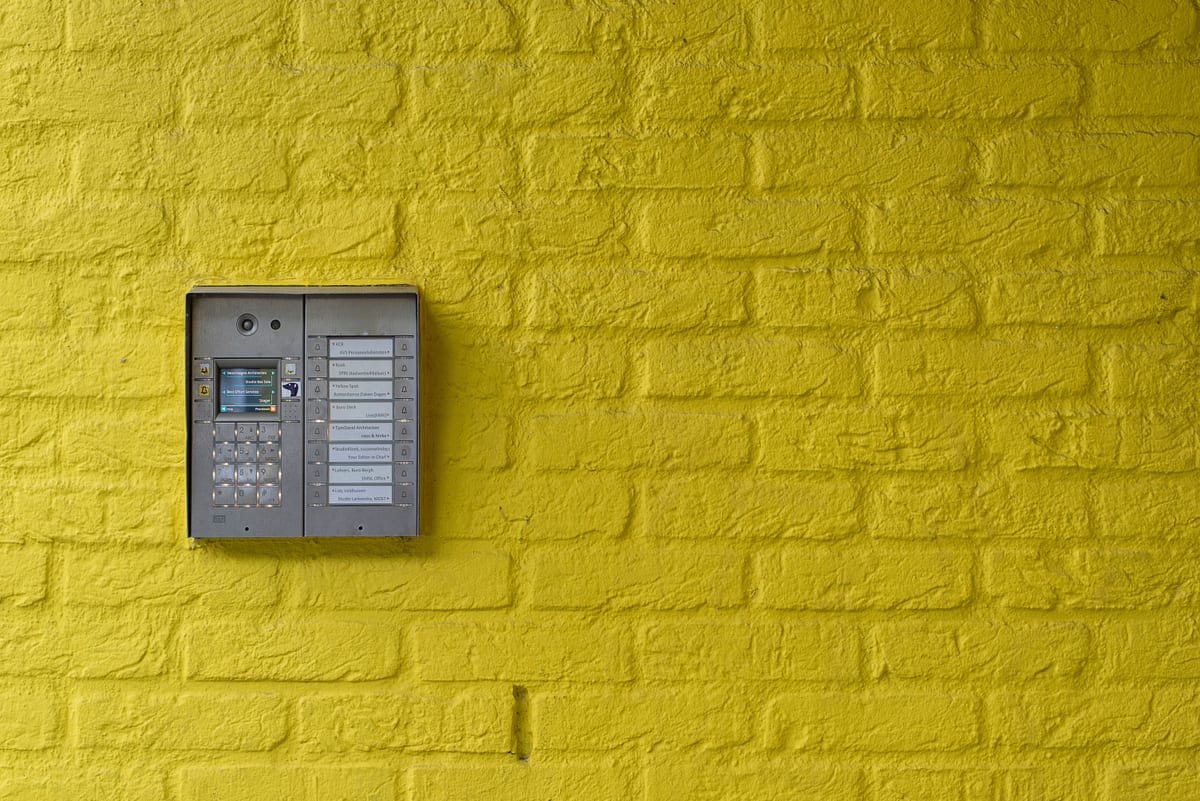
Security Comparison
Mechanical Key Control and Electronic Access
| Planning Question | Mechanical Keys | Electronic Credentials |
|---|---|---|
| Issuing access | Track authorized keys and who holds them | Assign permissions in the supported system |
| Removing access | May require rekeying when an unreturned key still works | Deactivate credentials through the system administrator |
| Records | Depends on the key register and issue process | Depends on configured logs and retention settings |
| Compatibility | Confirm cylinders, keyways, and key-system authority | Confirm readers, controllers, software, and door hardware |
A restricted key program is only effective with a documented authorization process. Electronic access does not by itself establish regulatory compliance.
Lock and Hardware Brands


















Questions About Commercial Security?
We Answer the Phone.
Site assessments available business hours and after hours. Quoted before dispatch.
(202) 830-0706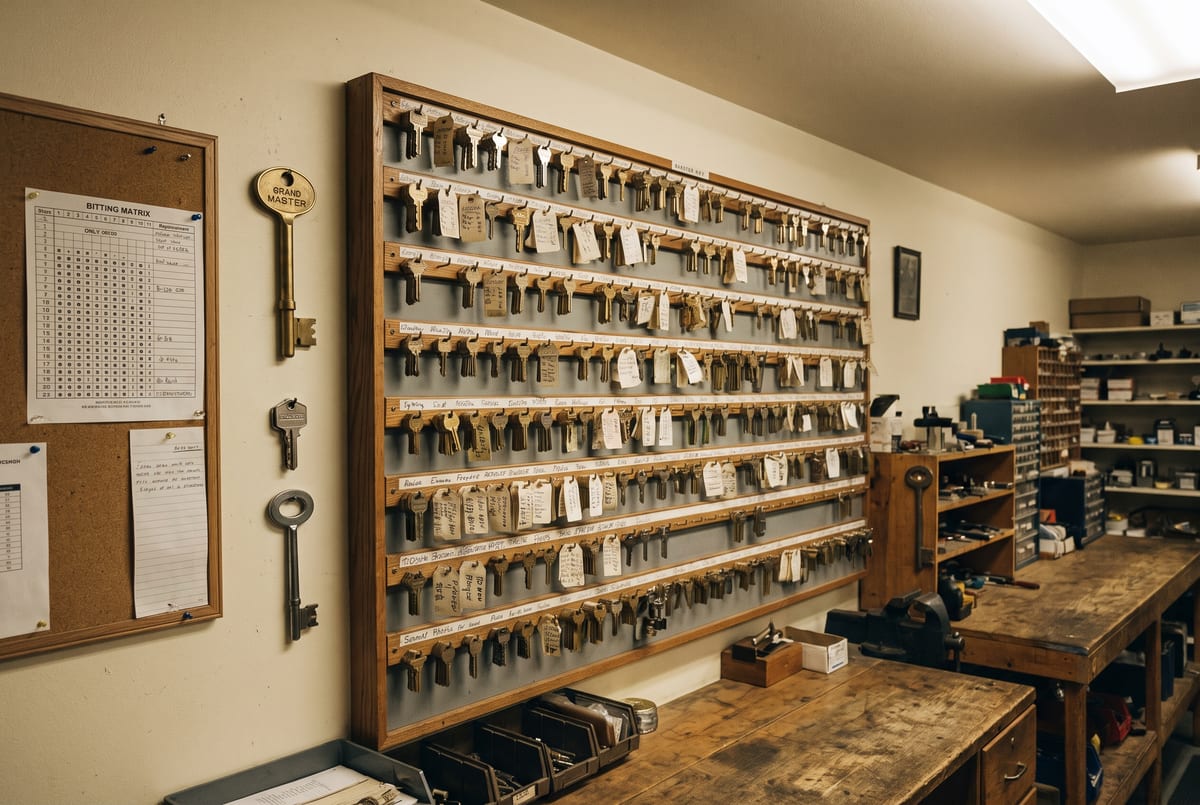
Panic Hardware, Access Control, and Master Keys for DC Businesses
Discuss panic hardware, master-key systems, and card-access readers with the opening and access needs in mind. Confirm the assessment, proposed work, required approvals, pricing, and any applicable written warranty before authorizing service.
(202) 830-0706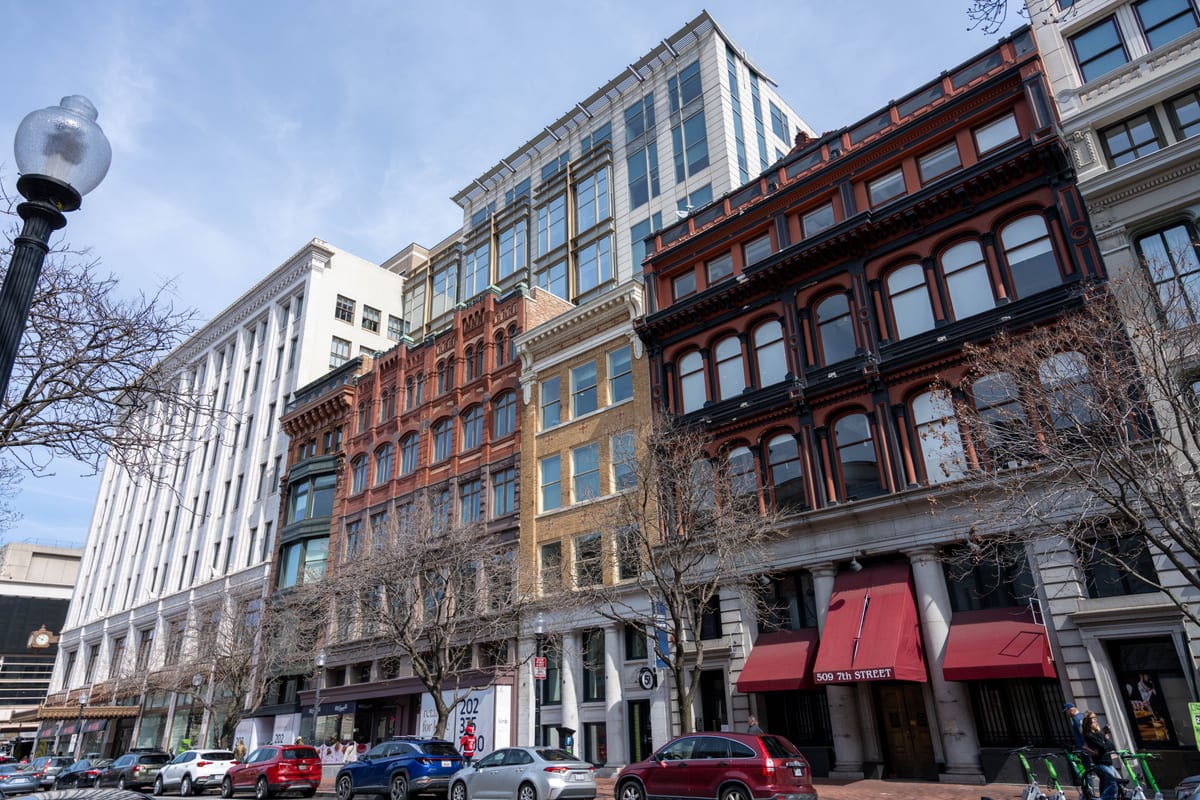
Confirm the affected doors, access needs, and work window before a commercial service visit.
Common Questions
Coworking Space Security Systems in Washington DC FAQs
Does cancelling a membership instantly remove all access?
Only when the relevant systems and doors receive and apply the change. Check synchronization, offline credentials, and failure alerts; test the cancellation procedure.
Can meeting-room access follow reservations?
Some platform combinations support it. Confirm the specific integration, account permissions, scheduling rules, and behavior if the booking service is unavailable.
Do mobile credentials prevent sharing?
They may offer useful controls, but they do not eliminate credential sharing, borrowed devices, or someone following a member through the door. Operating procedures still matter.
Will members be able to enter during an outage?
That depends on lock function, controllers, credentials, backup power, and the approved design. Define entry and exit behavior for both power and network outages before installation.
What should a commercial locksmith request include?
Identify the affected entrances, existing hardware, operational problem, and authorized site contact. Include work-hour restrictions and any building-approved specifications.
Can the existing key system be retained?
That depends on the cylinder format, keyway, system records, and who controls the key program. Provide the existing hardware details before ordering replacement cylinders or keys.
What should be checked for an exit door?
The complete opening matters, including the door, frame, latch, closer, exit hardware, and any electrical controls. Confirm the applicable egress, accessibility, and fire-rating requirements for that opening with the responsible building team.
How should access-control work be scoped?
Document the present system, exact hardware, software administrator, electrical interfaces, and required entry and exit behavior. Confirm product compatibility and responsibility for each part of the work.
Can a business schedule work outside its opening hours?
Explain the required work window and ask what is currently available. Confirm any after-hours charges, authorized access arrangements, and how the entrance will remain usable during the work.
What should a written quote describe?
Ask for the hardware, labor, service charges, assessment requirements, exclusions, and approval process for changes. A photo may help prepare the discussion; complex work can require a site assessment.
Plan Around Your Building’s Access Needs
List the affected doors, business hours, and who needs access. Check with the property manager before changing a shared key system or hardware on an exit door.
Commercial access planningQuote Process
Describe the Job. Request a Quote.
Tell us what needs attention and where the job is. Photos of visible hardware can help explain the problem. Ask what the proposed price includes and whether an on-site assessment is needed before the scope can be confirmed.
Text a Photo
(202) 830-0706
Include the location, a short description, and a clear photo of the visible hardware.
Call About the Job
(202) 830-0706
Explain the problem and check current availability, proposed charges, and whether a site assessment is needed.
Contact Form
Send a Message
Describe the problem and your preferred timing. Confirm availability and pricing before arranging work.
Related Categories
Commercial Access Control in Washington DC
Discuss access-control work in DC. Review doors, credentials, controller compatibility, operating re...
Keyless Entry Systems
Upgrade to keyless entry with standalone electronic keypad locks, mechanical push-button locks, and ...
Commercial Master Key Systems
Commercial master key planning in DC. Review compatible locks, door groups, key issuance, expansion ...
Commercial Card Readers
Compare card reader access for DC facilities. Review credential technology, controller compatibility...
Commercial Intercom Systems
Commercial intercom planning in Washington DC. Compare visitor communication, entry release, and adm...
Federal Building Security and Key Control
Key and access-control planning for institution-specific requirements.
Emergency Office Lockout Service in DC
Describe an office access problem and confirm authorization and current availability.
Commercial Door Installation and Repair
Door installation and repair planning for DC storefronts and offices.
Ready to Secure Your Facility?
Schedule a Site Assessment
Describe the business property and confirm the written scope and quote before booking.