FAQ
Key, Keypad or App? Choose How Your Door Works
A smart lock can use a deadbolt, just as a keyed lock can. Compare physical hardware and access features separately...
A smart lock can use a deadbolt, just as a keyed lock can. Compare physical hardware and access features separately before choosing a model.
Compare Two Separate Decisions
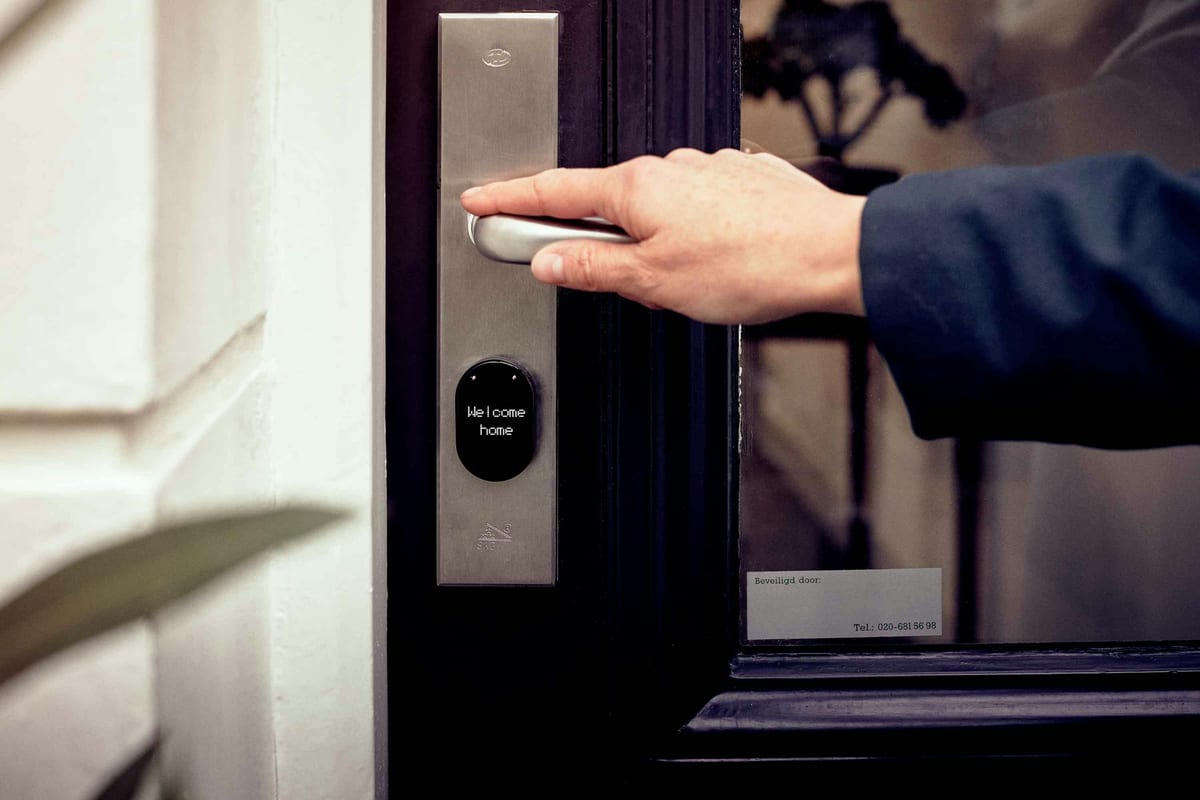
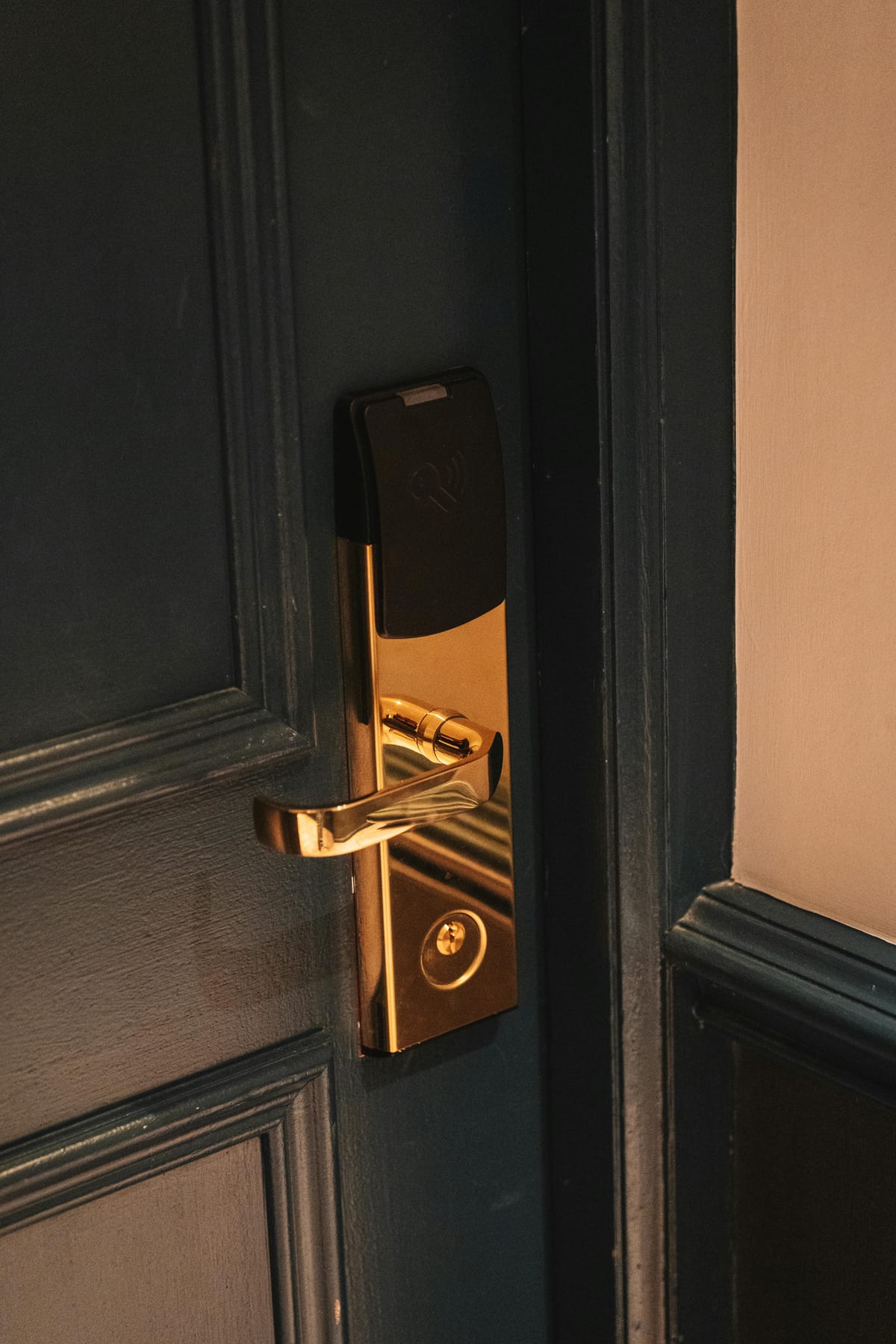
First choose suitable physical hardware for the door. Then choose how authorized people will operate it: a key, keypad, card, phone, or combination. “Smart” describes access and connectivity features; it is not a physical-security rating.
Where a product carries the BHMA Certified Secure Home label, read the separate security, durability, and finish grades. Do not transfer one product’s rating to a different model or to the complete door assembly.
Check Fit and Everyday Use
Record the door thickness, existing hardware, clearance, and whether the door closes and latches without force. A binding door needs attention even if you intend to replace the lock.
Consider who will use the entrance and how they can operate it comfortably. In a rental, condominium, or managed building, confirm permission and any master-key or approved-product requirements before buying.
Plan Backup Access
A mechanical key needs no battery, but the key and lock can still be lost, worn, damaged, or jammed. An electronic lock adds battery and account maintenance. Its local operation during an internet outage may differ from its remote features.
Read the exact model’s instructions. For example, the Google Nest × Yale Lock is key-free and has a specified temporary-power procedure. That is not a universal backup method for smart locks.
Decide Who Manages Access
Check who owns the account, how users are added and removed, what subscriptions or hubs are required, and how access will transfer when someone moves out. Removing an app user does not necessarily invalidate a physical backup key.
Activity records describe events the system detected. They do not always prove which person passed through the door, and the available history depends on the model and settings.
Use the longer smart lock buying guide for a product comparison, or send your door details to discuss installation scope.
For Washington DC service enquiries, call (202) 830-0706 with the location and a description of the problem.
Scope
Confirm the work needed
Call
Emergency Service Enquiries
Records
Keep the quote and invoice
Need to Know
Frequently Asked Questions
Does a smart lock provide better physical security?
Smart features do not establish a lock’s resistance to physical attack. Compare the exact product’s tested performance, the door and frame, and installation. A keyed lock and a smart lock can each vary widely in construction.
What happens when a smart lock battery dies?
The backup method is model-specific. Some have a mechanical key, some support temporary external power, and others use a different process. Read the manufacturer’s instructions and make a backup plan before relying on the lock.
Does a lock app prove the door is secured?
Not always. Status and activity depend on the model, sensors, connectivity, and configuration. A commanded or reported locked state should not be assumed to prove that the door is closed and the bolt is properly engaged.
Describe the Work and Discuss the Quote
Use the questions in this guide to clarify the work, charges, and any assessment needed. Call with the location and visible hardware details.
(202) 830-0706Call (202) 830-0706 to Discuss the Work
Call or send a photo of the problem. Include the location and ask about service options, pricing, and availability.